

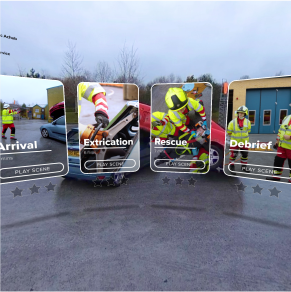
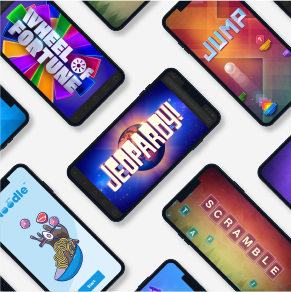
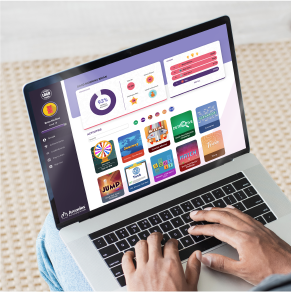
Inserting modular blocks in MicroBuilder is quick and easy. The insert ribbon allows you to add text, images, videos, quizzes, games, VR projects, and an instance of Arcades™.

With instant content generation, analogies and scenarios, innovative text block features, and question set creation, MicroBuilder’s AI features streamline your development process.

Transform your documents into structured, comprehensive learning modules by simply uploading your documents. Based on your prompts, AI will produce rich, interactive microlearning content. Once documents are uploaded, AI will also reference them when generating new content.

Seamless Text Block Creation: Enhance your module’s clarity and engagement by creating context-specific text blocks.
Text Adjustments: Tailor your content’s length and depth with just a few clicks. Expand for more detail or condense for brevity, all with AI assistance.

Transform your content into interactive learning experiences. With a single click, our AI analyzes your content and embeds five customizable and relevant questions, enhancing learner engagement and assessment capabilities.

Bring your learning to life by enriching your content with relevant analogies and real-life scenarios crafted by AI.

Make complex concepts more accessible and straightforward by integrating clear, AI-generated steps into your content.

Bring your content to life by creating captivating videos featuring an AI avatar as your narrater or course character!
For current subscribers to The Learning Creation Studio by ELB Learning, MicroBuilder offers an array of interactive integrations. Easily and quickly integrate these interactive elements into your microlearning courses to create a more engaging learning experience.

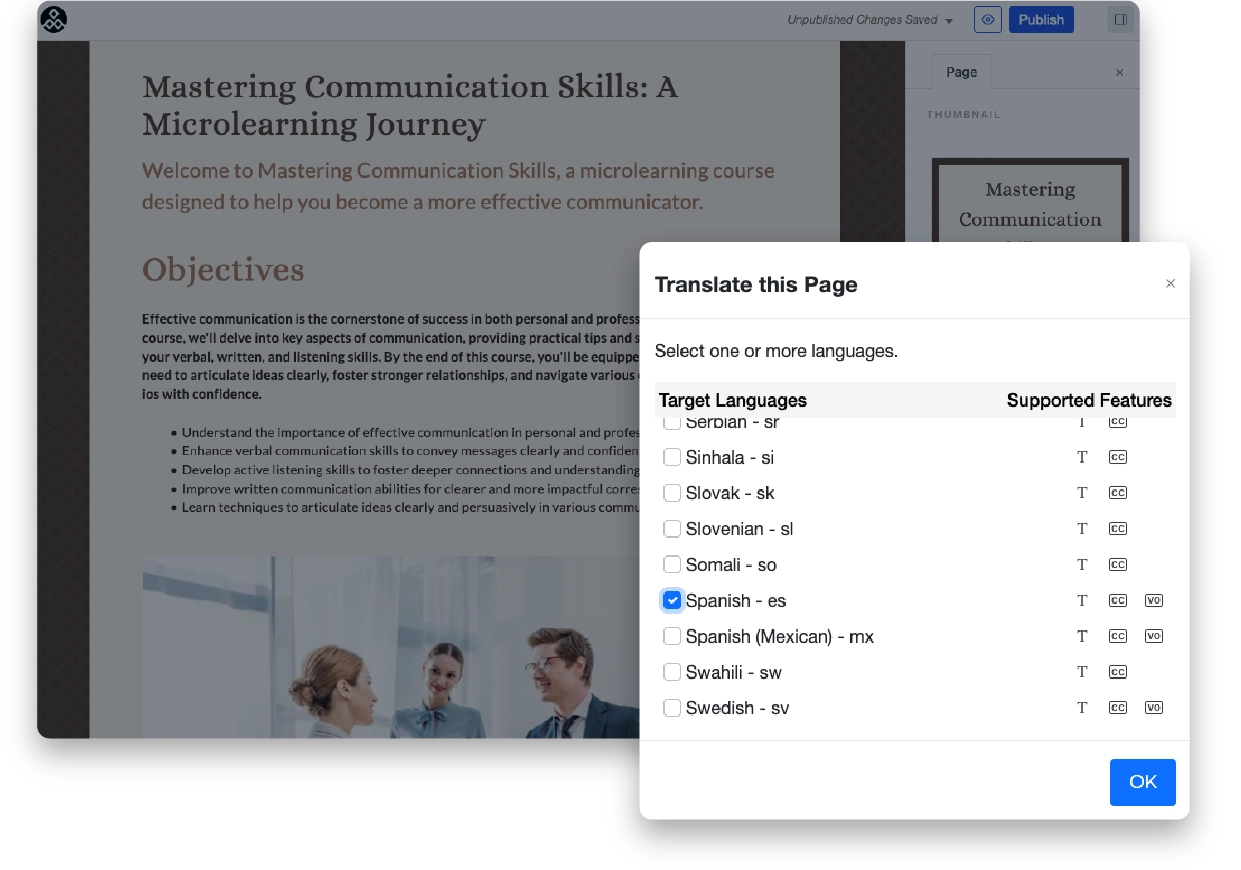
Provide training in 65+ languages for your global audience with built-in automatic translation. Translate text and videos into multiple languages, including AI-generated voice-over tracks for videos.
With the Stock Image Library integration, choose from over 280 million photos, vectors and illustrations to bring your ideas to life!

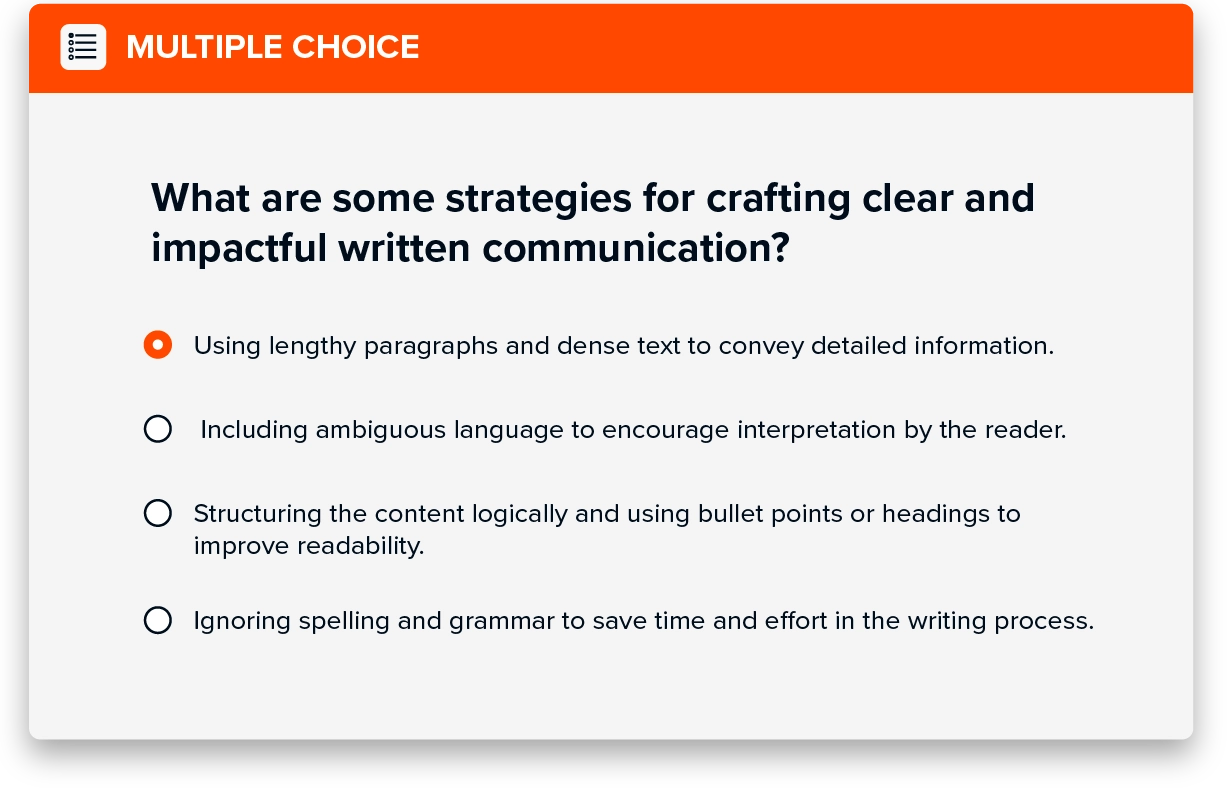
From traditional multiple-choice questions to the flexibility of multi-select and the depth of short-answer responses, MicroBuilder offers a built-in assessment toolkit to gauge understanding and knowledge retention effectively.
The magic of MicroBuilder unfolds when you need to update and republish your microlearning content. Once the SCORM/xAPI file has been uploaded to your Learning Management System (LMS), any changes made to your microlearning are instantly propagated—no manual re-uploads, no outdated files.
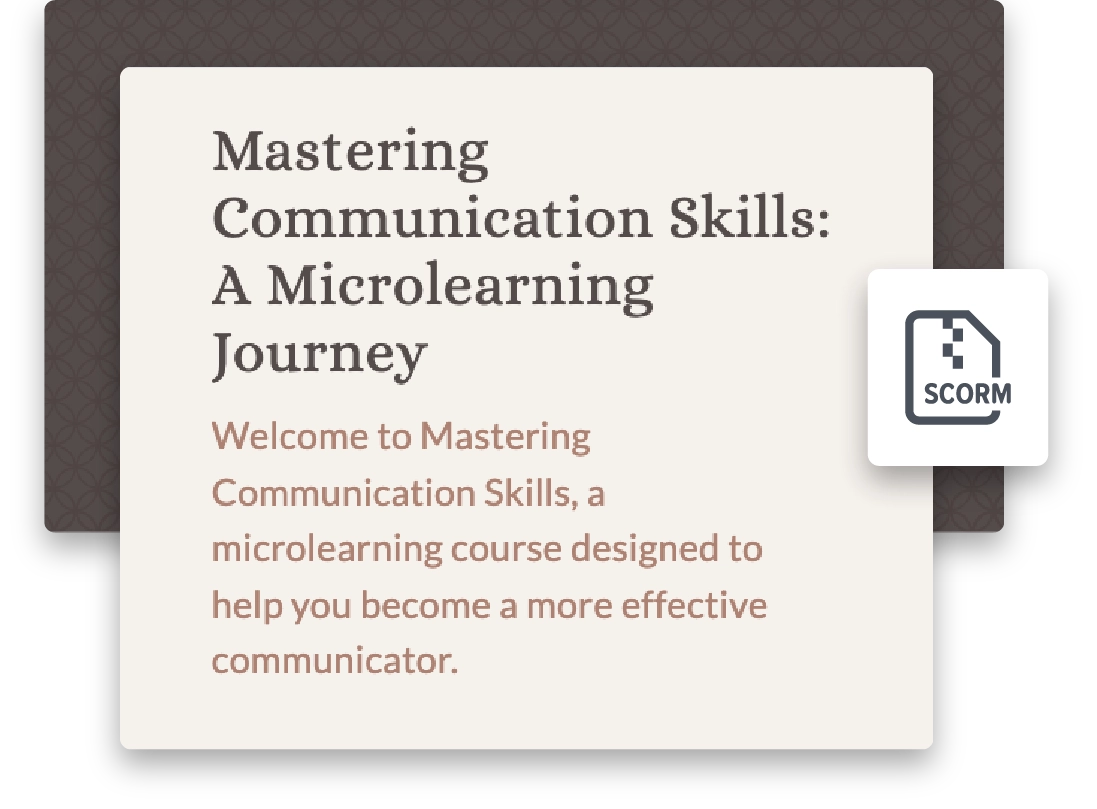
Creating effective microlearning courses involves condensing valuable information into concise, engaging, and easily digestible formats. Download this free Microlearning Best Practices infographic to guide your content creation.
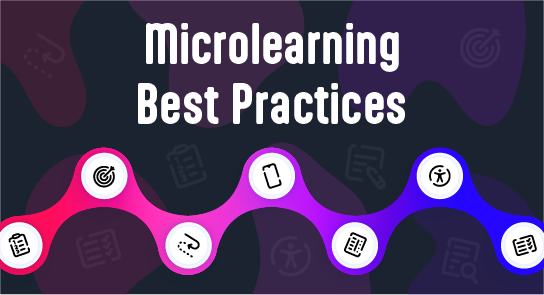
From boosting efficiency and engagement to improving retention and performance, the benefits are clear. Download this free infographic to learn about 7 Key Benefits of Microlearning for Training.
MicroBuilder uses AI translation (Amazon Translate) to generate first‑pass translations quickly. Like any AI service, outputs may include errors or nuances that require human involvement. We recommend that all translated content undergo human review before being published.
Pro tip: Have a native/fluent reviewer validate terminology, tone, and brand voice. Use your organization’s glossary and style guide when reviewing.
Using raw AI tools requires manual prompts, formatting, and asset handling. However, MicroBuilder:
Keeps everything in one workflow: generate → edit → assemble → export
Structures outputs into course‑ready sections (objectives, knowledge checks, summaries)
Connects directly to media creation (avatars, TTS) without juggling separate apps
Reduces re‑formatting and copy/paste errors
[Roadmap Item] Context engine to remember your learning context across sessions, improving consistency
MicroBuilder is designed to fast‑track creation while relying on human expertise for accuracy, compliance, and brand voice.
MicroBuilder offers a comparable ability to assemble modern, responsive lessons quickly. Where MicroBuilder truly stands out is in its built-in access to multiple content formats, AI-assisted text, avatar video, audio/TTS, VR, and games, that can be embedded directly into a single learning experience. It also offers one-click translation across text, video, and audio, making global rollouts effortless. Because content is hosted centrally, any SCORM modules distributed across multiple LMS platforms can be updated simultaneously, ensuring consistency and saving valuable time.
We recommend that you:
Always review AI outputs for accuracy, tone, and inclusivity
Maintain a style guide and terminology list for your team to ensure consistency
Use SME reviews for regulated or safety‑critical topics
Keep source links for facts and statistics in your course notes
Always check your organization’s policies before uploading sensitive content
© 2026 ELB Learning. All rights reserved. | Terms of Use | Privacy Policy